In today’s digital workplace, email remains the cornerstone of professional communication. Despite the rise of instant messaging and collaboration tools, email continues to be the primary medium for formal business exchanges, client communications, and professional networking. Yet, many professionals struggle with proper email etiquette, leading to misunderstandings, damaged relationships, and missed opportunities.
Mastering email etiquette isn’t just about politeness—it’s about effectiveness, professionalism, and building lasting business relationships. This comprehensive guide will walk you through everything you need to know about crafting emails that get responses, maintain professionalism, and represent you in the best possible light.
What is email etiquette?
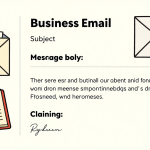
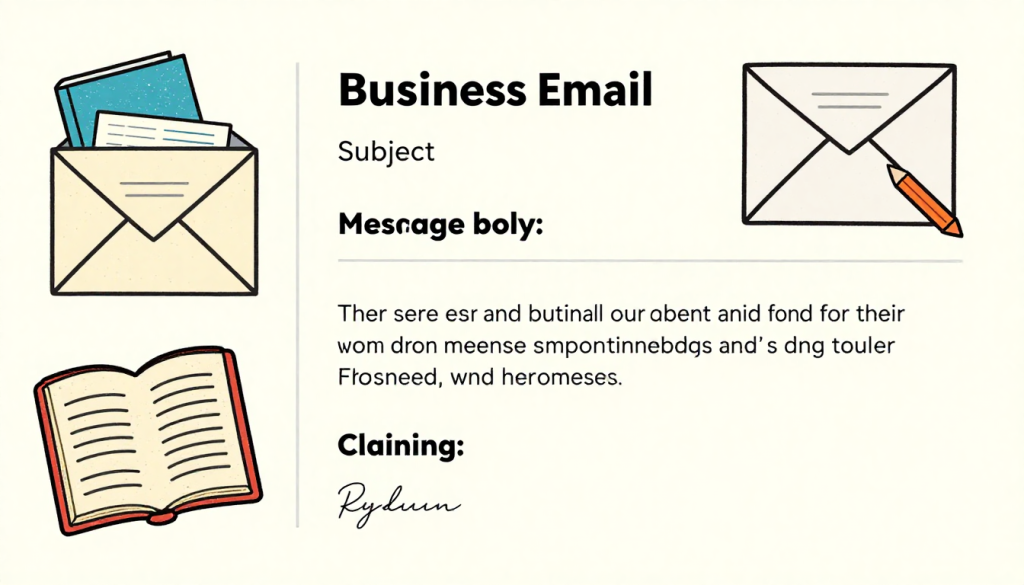
Email etiquette is the set of established rules, principles, and social guidelines that govern polite, professional, and effective email communication in both business and personal contexts. It encompasses the appropriate use of language, tone, format, and structure to ensure messages are conveyed clearly, respectfully, and efficiently while maintaining professionalism and consideration for the recipient’s time. Email etiquette involves multiple elements including writing descriptive subject lines, using proper greetings and sign-offs, maintaining a professional tone, structuring content concisely, proofreading for errors, and responding to messages in a timely manner. By following these conventions, email etiquette helps facilitate comfortable conversations, prevents misunderstandings, builds stronger professional relationships, and enhances one’s reputation and credibility in the workplace. Whether communicating with colleagues, clients, or potential business partners, good email etiquette ensures that messages are received positively and achieve their intended purpose while demonstrating respect, consideration, and professionalism.
Why Email Etiquette Matters More Than Ever
The average office worker receives over 120 emails daily, making your message one among hundreds competing for attention. Poor email etiquette can result in your messages being ignored, misinterpreted, or worse—damaging your professional reputation. On the flip side, well-crafted emails with proper etiquette can open doors, strengthen relationships, and accelerate your career progression.
Email etiquette directly impacts how colleagues, clients, and potential employers perceive your professionalism, attention to detail, and communication skills. In remote and hybrid work environments, where face-to-face interactions are limited, your emails often serve as the primary representation of your professional persona.
Crafting the Perfect Subject Line
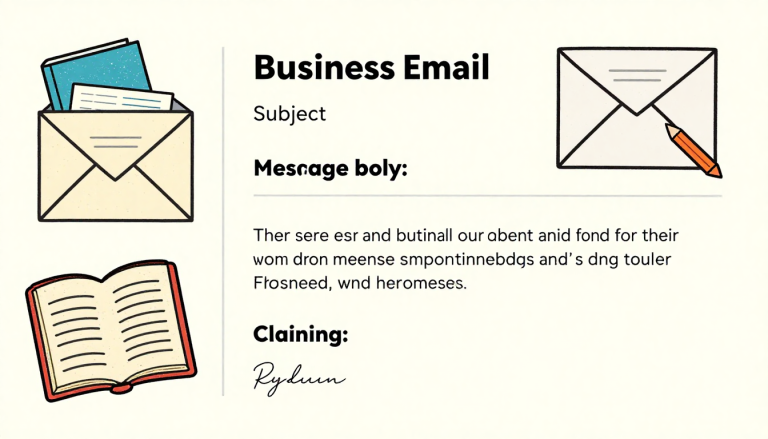
Your subject line is the gateway to your email. A clear, specific subject line increases open rates and helps recipients prioritize their inbox. Avoid vague subjects like “Quick question” or “Following up.” Instead, be specific: “Proposal for Q1 Marketing Campaign” or “Meeting Request: Project Timeline Discussion.”
Keep subject lines between 6-10 words and front-load the most important information. If your email requires urgent attention, consider adding time-sensitive indicators, but use them sparingly to maintain credibility. Never use all caps or excessive exclamation points, as these tactics appear unprofessional and may trigger spam filters.
When replying to existing email threads, maintain the original subject line unless the conversation topic has significantly changed. This helps recipients quickly understand the context and locate previous correspondence.
The Art of Professional Greetings
Your opening sets the tone for the entire email. For formal business correspondence, use “Dear Mr./Ms. [Last Name]” when addressing someone for the first time. As the relationship develops, you can transition to first names if the other party initiates this informality.
For colleagues and established professional relationships, “Hi [First Name]” or “Hello [First Name]” strikes the right balance between friendliness and professionalism. Avoid overly casual greetings like “Hey” or “What’s up” in business contexts, and never start an email without any greeting—jumping straight into your message appears abrupt and impersonal.
When addressing groups, use inclusive greetings like “Hello team” or “Good morning everyone.” Be mindful of time zones and cultural differences when using time-specific greetings in global communications.
Writing Clear and Concise Email Bodies
The body of your email should be structured, scannable, and purposeful. Start with a brief context or reason for writing, followed by the main message, and conclude with a clear call to action. Break long paragraphs into shorter, digestible chunks—ideally 2-3 sentences per paragraph.
Use bullet points or numbered lists when presenting multiple items, steps, or options. This formatting makes your email easier to scan and ensures important points don’t get buried in dense text blocks. Bold key information sparingly to draw attention to critical details like deadlines, amounts, or action items.
Avoid jargon, acronyms, and industry-specific terminology unless you’re certain the recipient will understand them. Write at a level that’s professional but accessible, assuming your email might be forwarded to others who lack your specialized knowledge.
Keep your emails concise. If you find yourself writing more than three short paragraphs, consider whether a phone call or meeting would be more effective. The goal is to respect the recipient’s time while conveying your message clearly.
Tone and Language: Striking the Right Balance
Email lacks the vocal inflections and body language that help convey tone in face-to-face conversations, making it easy for messages to be misinterpreted. Always err on the side of politeness and clarity. Use phrases like “Would you be able to” instead of “You need to” and “I would appreciate” rather than demanding language.
Avoid sarcasm, humor, and emotional language in professional emails, especially with people you don’t know well. What seems funny to you might offend or confuse the recipient. Similarly, never send emails when you’re angry or frustrated—draft your response, save it, and review it with fresh eyes before sending.
Pay attention to your punctuation. Excessive exclamation points can appear unprofessional or insincere, while too many ellipses might seem passive-aggressive. Question marks should be used only for genuine questions, not rhetorical statements.
Response Time Expectations and Email Priority
Timely responses demonstrate respect and professionalism. For standard business emails, aim to respond within 24 hours during business days. If you need more time to provide a complete answer, send a brief acknowledgment confirming receipt and indicating when you’ll follow up with details.
For urgent matters, clearly indicate priority in the subject line and opening sentence. However, avoid crying wolf—marking every email as urgent diminishes the impact when truly time-sensitive situations arise.
When you’re out of office or unable to respond promptly, set up an automatic reply indicating your availability and providing alternative contact information for urgent matters. This simple courtesy prevents colleagues and clients from feeling ignored.
The CC and BCC Dilemma
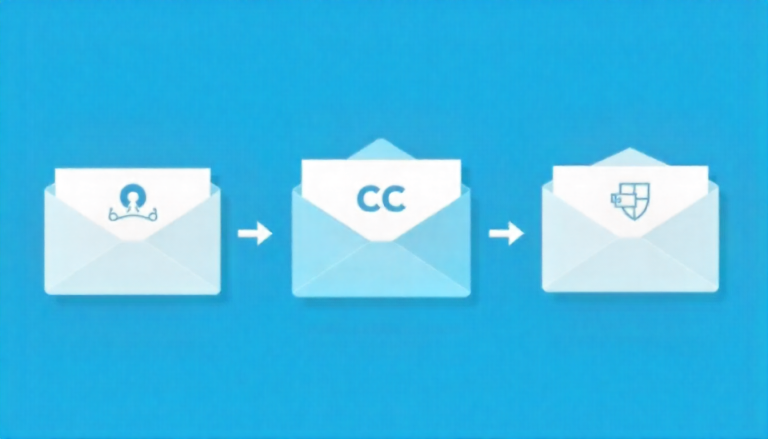
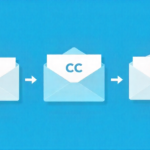
Understanding when and how to use CC (carbon copy) and BCC (blind carbon copy) is crucial for email etiquette. Use CC when you want to keep someone informed but don’t require their direct response. Always consider whether each CC’d recipient actually needs to be included—overcrowding inboxes wastes time and dilutes accountability.
Use BCC when sending emails to large groups who don’t know each other, protecting everyone’s privacy and preventing “reply all” disasters. BCC is also appropriate when you need to discreetly inform someone about a conversation without the primary recipient knowing.
Never use “Reply All” unless your response is genuinely relevant to everyone on the thread. This simple rule prevents inbox clutter and demonstrates respect for colleagues’ time.
Attachment Etiquette and File Management
Before attaching files, mention them in your email body and briefly describe what each attachment contains. Use descriptive file names—”Q4_Budget_Proposal_2025.pdf” is far more helpful than “Document1.pdf.” Compress large files or use cloud-sharing services for anything over 10MB to avoid overwhelming recipients’ inboxes.
Always virus-scan attachments before sending, and be cautious about opening unexpected attachments from unknown senders. If you’re sending multiple versions of a document, clearly indicate which is the final version to avoid confusion.
When requesting attachments from others, specify the preferred format, deadline, and any naming conventions they should follow. This clarity prevents back-and-forth exchanges and ensures you receive what you need.
Professional Sign-offs and Signatures
Your email closing should match the formality of your greeting. “Best regards,” “Sincerely,” and “Kind regards” work well for formal correspondence, while “Best,” “Thanks,” or “Regards” suit more casual professional exchanges. Avoid overly familiar closings like “Cheers” or “XOXO” in business contexts.
Create a professional email signature that includes your full name, job title, company, phone number, and relevant professional links. Keep formatting simple and avoid large images, multiple fonts, or inspirational quotes that can appear unprofessional. Update your signature regularly to reflect current contact information and roles.
Include necessary legal disclaimers or confidentiality notices if required by your organization, but keep them concise and standard.
Common Email Mistakes to Avoid
Never send an email without proofreading. Typos, grammatical errors, and unclear sentences undermine your credibility and can lead to costly misunderstandings. Read your email aloud before sending to catch awkward phrasing and ensure clarity.
Avoid using “Reply All” for personal responses, thank-yous, or comments that don’t benefit the entire group. Don’t forward chain emails, jokes, or non-work-related content from your professional email address. Never discuss confidential information or make negative comments about colleagues via email—assume anything you write could be forwarded or shown to others.
Be cautious with email during non-business hours. While sending emails late at night or on weekends is sometimes necessary, consider using scheduled sending features to deliver messages during business hours, respecting work-life boundaries.
Email Etiquette in Remote Work Environments
Remote work has amplified the importance of email etiquette. Without casual office interactions, emails carry more weight in building and maintaining professional relationships. Be more explicit about expectations, deadlines, and next steps since you can’t rely on quick desk-side clarifications.
Use video calls or phone conversations for complex, sensitive, or nuanced topics rather than lengthy email exchanges. When timezone differences exist, acknowledge them respectfully and be flexible with scheduling.
Respond to emails during your working hours, but respect that others may have different schedules. Avoid expecting immediate responses during non-business hours unless you’ve established this expectation in advance.
Building Better Email Habits for Long-Term Success
Improving your email etiquette requires conscious effort and consistent practice. Start by reviewing sent emails to identify patterns in your communication style. Ask trusted colleagues for feedback on your email communication and be open to constructive criticism.
Create email templates for common scenarios—meeting requests, follow-ups, introductions—to maintain consistency and save time while ensuring proper etiquette. Regularly clean your inbox and unsubscribe from unnecessary mailing lists to reduce clutter and improve focus on important correspondence.
Consider implementing the “two-minute rule”: if an email requires less than two minutes to respond, handle it immediately. For longer responses, schedule dedicated time blocks for email management rather than constantly interrupting your workflow.
Frequently Asked Questions
How long should I wait before sending a follow-up email?
Wait 3-5 business days before sending a polite follow-up email. If the matter is time-sensitive, you can follow up within 48 hours, but clearly mention the urgency in your original message. Always assume the recipient is busy rather than deliberately ignoring you.
Is it okay to use emojis in professional emails?
Emojis are generally best avoided in formal business correspondence, especially with new contacts, clients, or senior executives. However, a simple smiley face may be acceptable in casual internal communications with colleagues you know well. When in doubt, leave them out.
Should I respond to every email I receive?
Not every email requires a response. If you’re CC’d for informational purposes only, a reply isn’t necessary. However, any direct question, request, or email where you’re the primary recipient should receive at least a brief acknowledgment within 24 business hours.
What’s the proper way to address someone whose gender I don’t know?
Use their full name without a title (“Dear Taylor Smith”) or use gender-neutral greetings like “Hello” or “Good morning.” You can also check their email signature, LinkedIn profile, or company website for preferred pronouns. Avoid assuming gender based on names.
How formal should my email signature be?
Your signature should include your full name, job title, company name, phone number, and professional email address. Keep formatting clean and simple—avoid multiple colors, large logos, or inspirational quotes. LinkedIn or company website links are acceptable, but limit social media to professionally relevant platforms.
Is it unprofessional to send emails outside business hours?
Sending emails outside business hours isn’t inherently unprofessional, but be mindful that it may create pressure for recipients to respond immediately. Use scheduled sending features to deliver emails during business hours when possible. Never expect responses during evenings, weekends, or holidays unless explicitly agreed upon.
How do I politely decline a request via email?
Start with appreciation for being considered, provide a brief but honest reason for declining, and offer an alternative if possible. Use phrases like “Unfortunately, I’m unable to” or “I don’t have the capacity right now.” Keep your tone courteous and professional without over-apologizing.
What should I do if I sent an email to the wrong person?
Send an immediate follow-up email to the unintended recipient acknowledging the mistake and asking them to disregard or delete the message. If the email contained sensitive information, inform your supervisor or IT department depending on your company’s protocol. Then send the correct email to the intended recipient with extra care.
Conclusion
Email etiquette is a fundamental professional skill that impacts every aspect of your career. By following these guidelines—crafting clear subject lines, writing concise messages, maintaining appropriate tone, and respecting recipients’ time—you’ll communicate more effectively and build stronger professional relationships.
Remember that email etiquette isn’t about rigid rules—it’s about respect, clarity, and professionalism. As communication platforms evolve and workplace norms shift, the core principles remain constant: be clear, be courteous, and be considerate of your recipients’ time and needs.
Investing time in mastering email etiquette pays dividends throughout your career. Your emails represent you in every interaction, and polished, professional communication opens doors, resolves conflicts, and establishes you as a competent, reliable professional worth knowing and doing business with.